
Split Screen Video Editor
Sidesplit puts two video clips in one frame so you can compare, combine, and share them. Pick clips from your phone, sync them by sound, adjust the layout, and export—all in one editor.
Get it on Google Play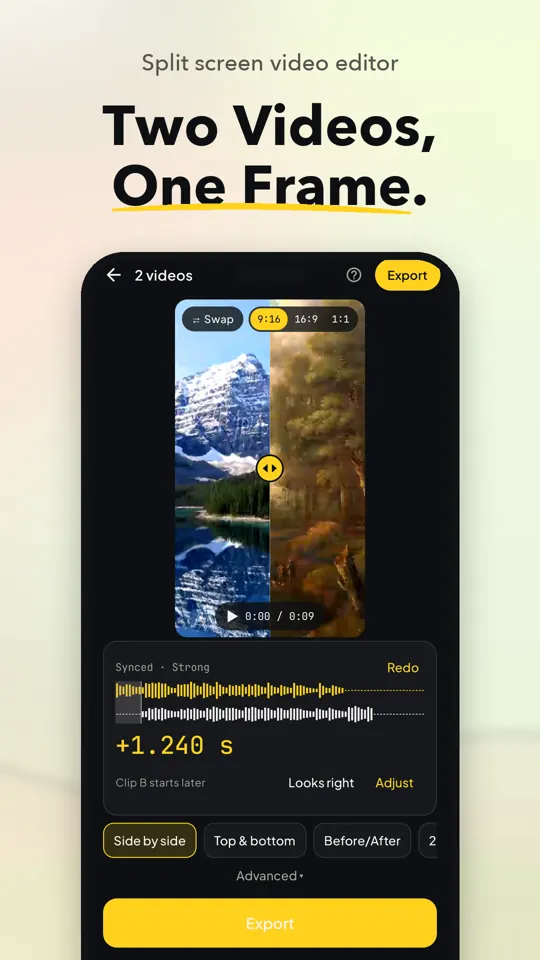
See Sidesplit In Action
Split Screen Video Features
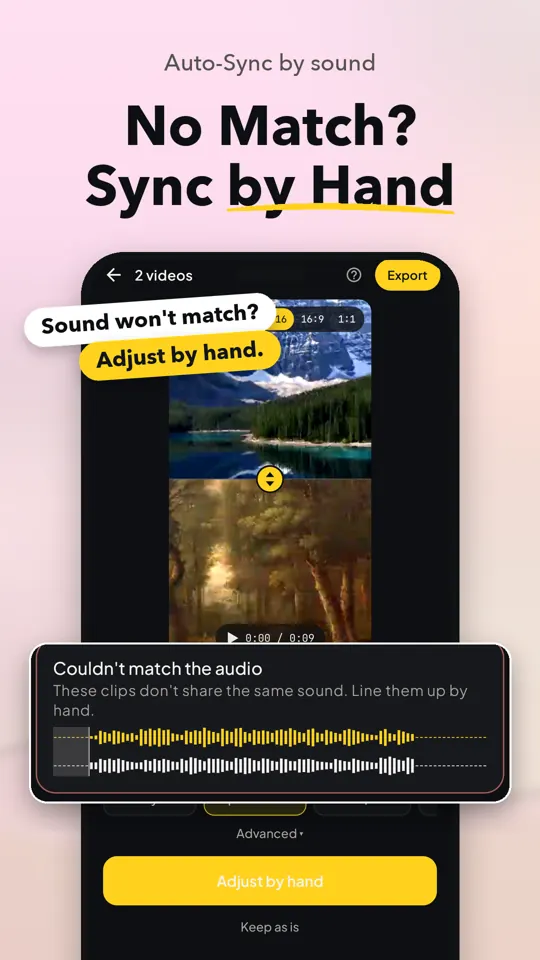
Sync Clips By Sound
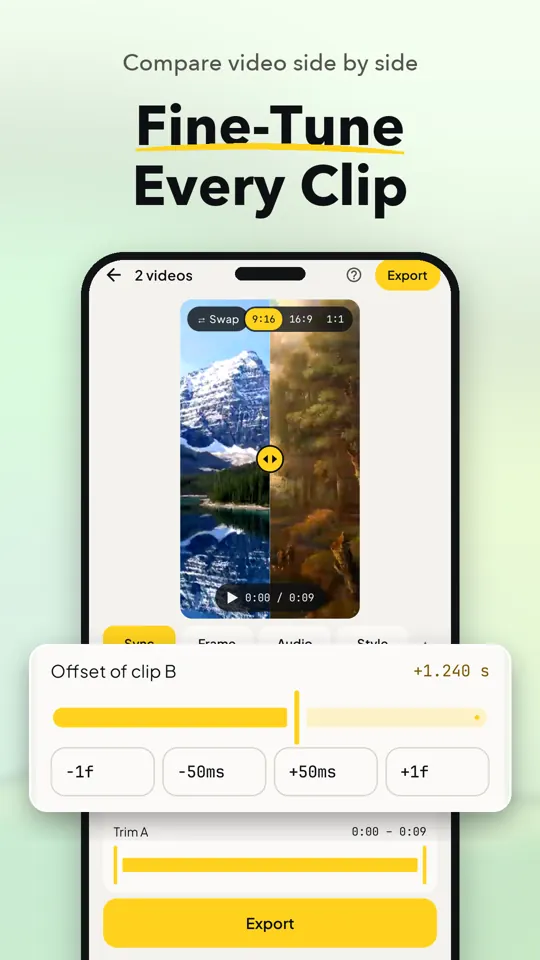
Auto-Sync matches two clips by their sound with one tap. If it cannot find a match, adjust the timing by hand.
Arrange And Trim Clips
Trim each clip and preview every pane together on one timeline. Hold the shorter clip’s last frame or trim both to the shorter length.
Choose Your Split Layout
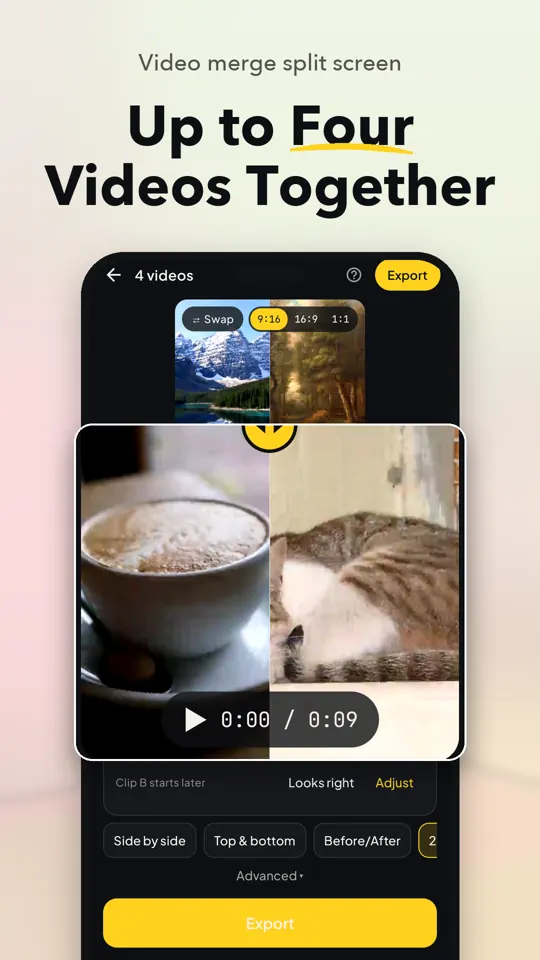
Place clips side by side or top and bottom, then swap their positions. Pro adds multi-pane layouts, subject to your phone’s video decoder support.
Fit Your Video Canvas
Choose a 9:16, 16:9, or 1:1 canvas, then fit or fill the frame and pan each clip. Each clip keeps its orientation.
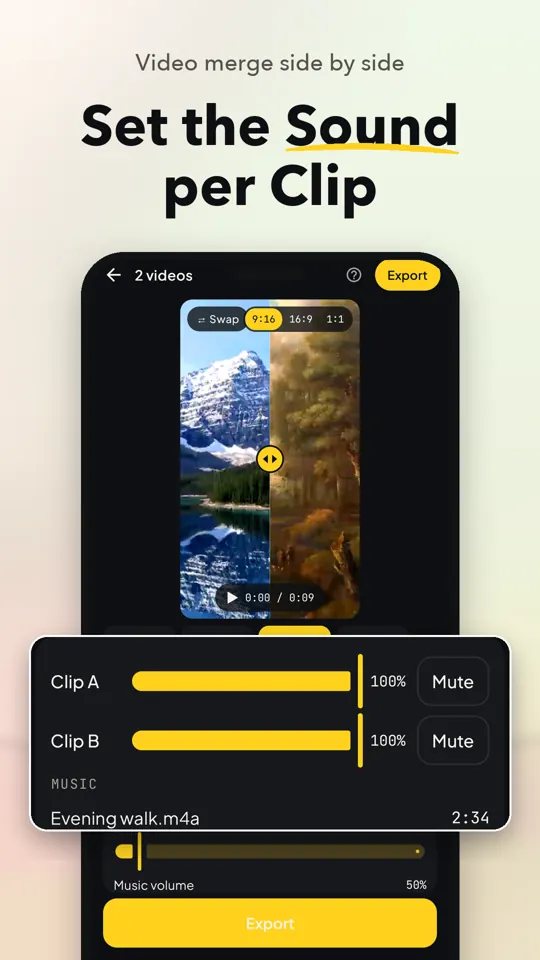
Mix Audio Per Clip
Set each clip’s volume separately or mute it before export. Pro also lets you add music from your phone and adjust its start, volume, and fade.
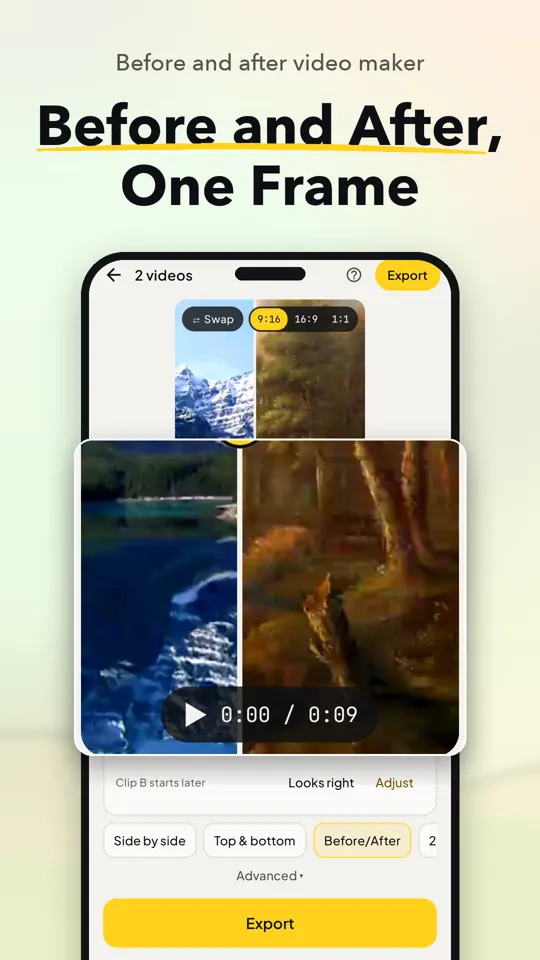
Compare Before And After
Pro’s Before/After comparison uses a sweeping or stationary line to show two views in one video.
Export Without Watermarks
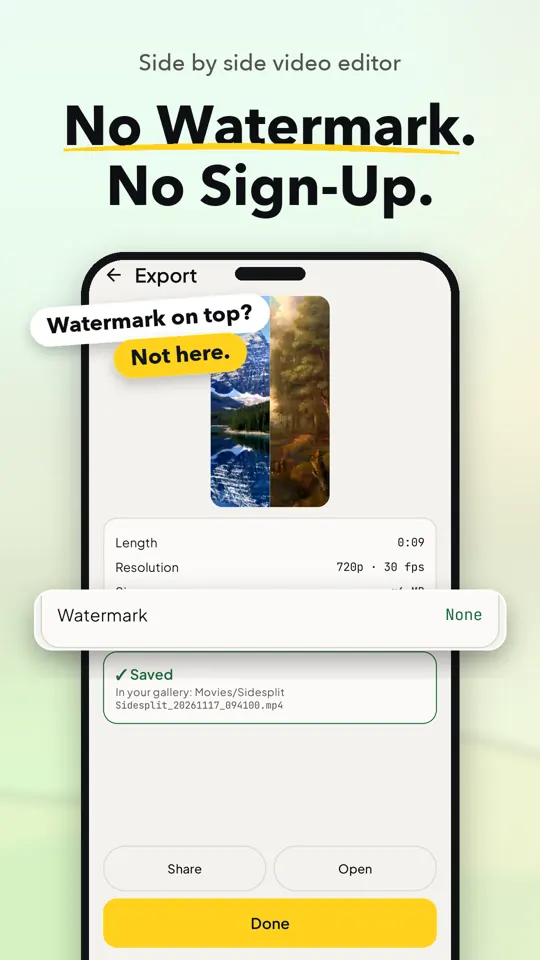
Export MP4 video with no watermark. Free exports are up to 720p and 60 seconds; Pro supports 1080p and videos up to 3 minutes.
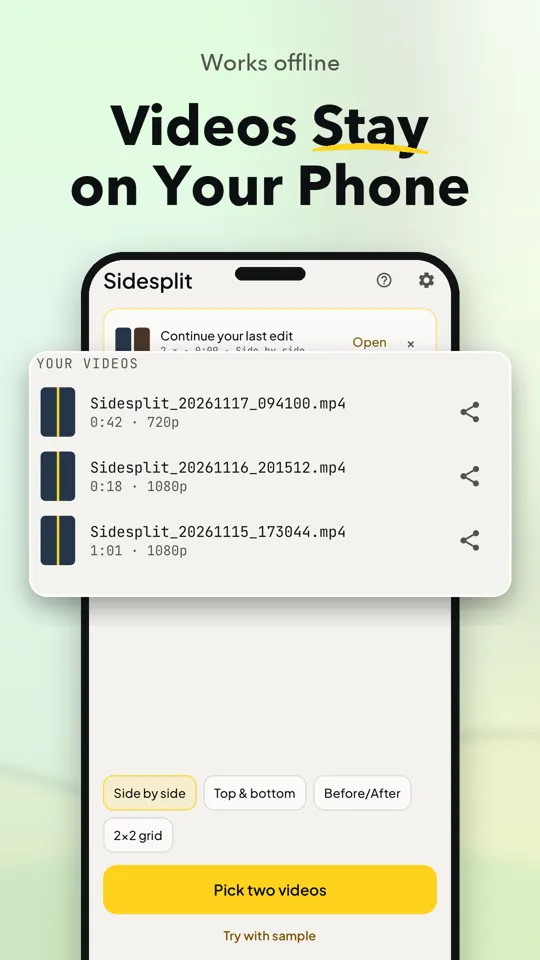
Autosave And Share Videos
Edits autosave so you can continue later. Finished exports are verified before saving, and you can view, open, and share saved videos from Home.
Create A Split Screen Video
Pick Your Clips
Choose two videos with the system picker, use one clip twice, or try the sample clips.
Sync And Edit
Preview the clips together, sync them by sound or adjust timing by hand, then trim and choose a layout.
Export Your Video
Choose your canvas and audio settings, export the video, then open or share it from Home.
When Sidesplit Helps
- Compare two takes side by side
- Show before and after changes
- Combine clips for social videos
- Sync two recordings by their sound
- Make a video from one clip twice
- Arrange clips in a split screen
Free And Pro
Free
- Pick two videos, use one clip in both panes, or try sample clips
- Auto-Sync, manual timing, trim, and match-length controls
- Side-by-side and top-and-bottom layouts with canvas and divider options
- MP4 exports up to 720p and 60 seconds, with no watermark
Pro
- 1080p exports up to 3 minutes
- Multi-pane layouts, subject to phone decoder support
- Before/After comparison
- Add music from your phone
- Background blur or colour, rounded corners, and loop the shorter clip
- Remove ads
Frequently Asked Questions
Does Sidesplit work offline?
Yes. Sidesplit works offline and does not require sign-up. Videos stay on your phone.
Is Sidesplit free to use?
The free plan includes split screen editing and MP4 exports up to 720p and 60 seconds with no watermark. Pro adds higher-resolution and longer exports and other features; a rewarded video can unlock some features for one hour.
Are my videos uploaded or shared?
No. Videos stay on your phone, and nothing is uploaded. Sidesplit reads only the clips you choose with the system picker, without requiring media permission.
Which phones can run Sidesplit?
Sidesplit is an Android app; there is no iPhone version. Multi-pane layouts depend on your phone’s video decoders.
How do I sync two videos by sound?
Tap Auto-Sync to match the clips’ sound. If Sidesplit cannot find a match, use the manual controls to adjust timing.
Can I export split screen video without a watermark?
Yes. Both free and Pro exports have no watermark. The free plan exports up to 720p and 60 seconds, while Pro exports up to 1080p and 3 minutes.